
Scan nearby 2.4 GHz Wi-Fi networks, track signal strength, and compare channels on your PSP
Or install it in PSPStore on your PSP.
About
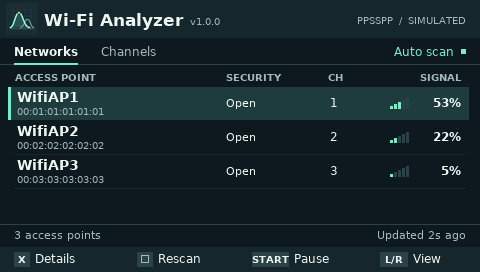
See which access points your PSP can pick up as you walk from room to room. Turn on the WLAN switch to get a list sorted by signal strength. Scanning works without a saved network profile, password, or internet connection.
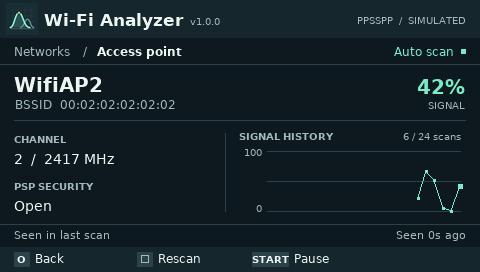
Select an access point to see its network name, radio address (BSSID), channel, center frequency, and the security type reported by the PSP. A graph follows that radio through the last 24 scans, even when another access point broadcasts the same name.
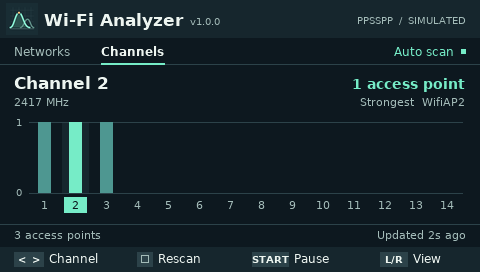
Switch to the channel chart to see how many access points share each channel and which one has the strongest signal. Leave automatic scanning on, pause between readings, or press Square for a fresh scan.
Designed for homebrew-enabled PSP-1000, PSP-2000, PSP-3000, and PSP Go systems. Real scans use the console’s built-in 2.4 GHz radio. PPSSPP provides simulated access points for trying the app on a computer.
Screenshots
Reviews
No reviews yet. Reviews are written from PSPStore on the PSP.
Details
- Type
- Application
- Version
- 1.0.0
- Updated
- 27 November 2026
- Size
- 202 KB
- Developer
- Mattijah